
AWS Compute Optimizer: Right-Size Your Resources, Right-Size Your Bill!

What is AWS Compute Optimizer?
AWS Compute Optimizer is a service that evaluates the configuration and utilization metrics of your AWS resources to offer recommendations for rightsizing. It assesses whether your resources are being used optimally and provides suggestions to reduce costs and enhance the performance of your workloads.
Why should you use AWS Compute Optimizer?
Compute Optimizer offers a console experience along with a set of APIs that enable you to view analysis findings and recommendations for your resources across multiple AWS Regions. By analyzing and visualizing your usage patterns, you can determine the best times to move or resize your running resources while still meeting your performance and capacity requirements.
Supported Resources of AWS Compute Optimizer
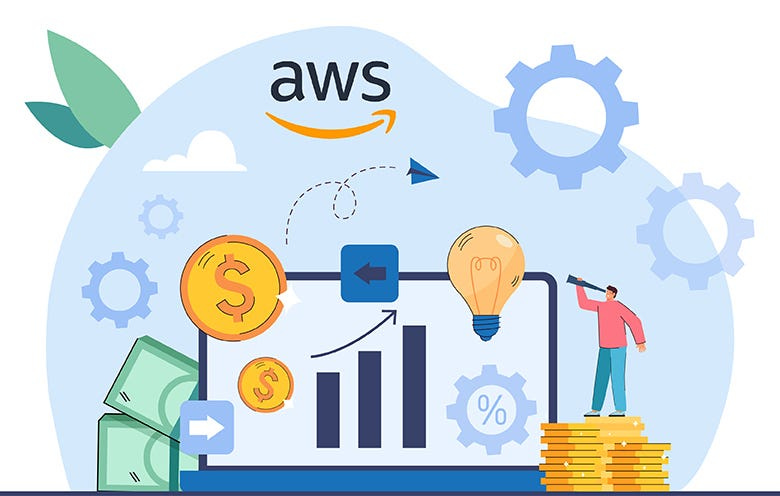
Compute Optimizer provides recommendations for various resources:
Amazon Elastic Compute Cloud (Amazon EC2) instances
Amazon EC2 Auto Scaling groups
Amazon Elastic Block Store (Amazon EBS) volumes
AWS Lambda functions
Amazon Elastic Container Service (Amazon ECS) services on AWS Fargate
Commercial software licenses
Amazon Relational Database Service (Amazon RDS) DB instances and storage
For Compute Optimizer to generate these recommendations, the resources must meet specific requirements and have gathered sufficient metric data.
Benefits of using AWS Compute Optimizer
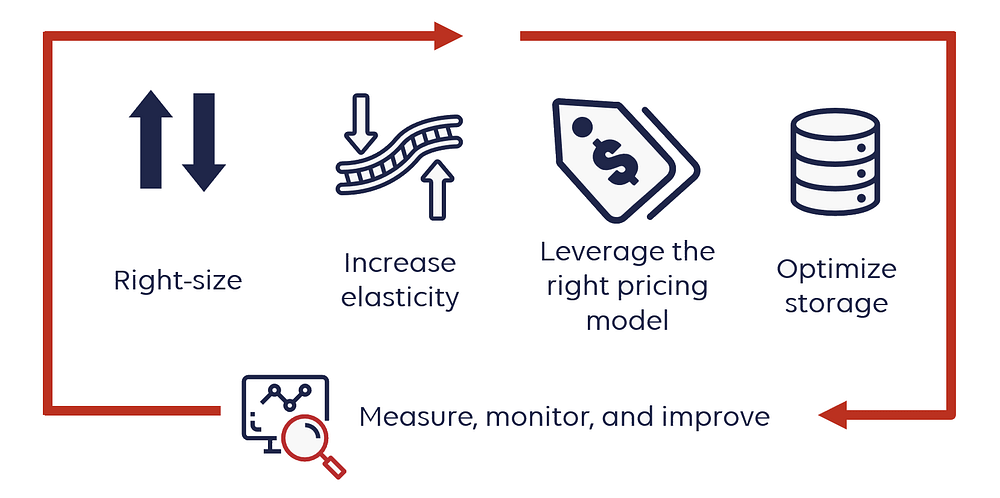
Workload Preferences: Adjust workloads according to your preferences using artificial intelligence and machine learning analytics, potentially reducing costs by up to 25%.
Resolve Performance Issues: Address performance issues by implementing recommendations that identify under-provisioned resources.
Increase Recommendation Savings: Enhance savings from recommendations and gain better visibility into memory utilization by enabling Amazon CloudWatch metrics.
Optimize Licensing Costs: Reduce licensing expenses through automated recommendations for license optimization after authentication.
Use cases of AWS Compute Optimizer
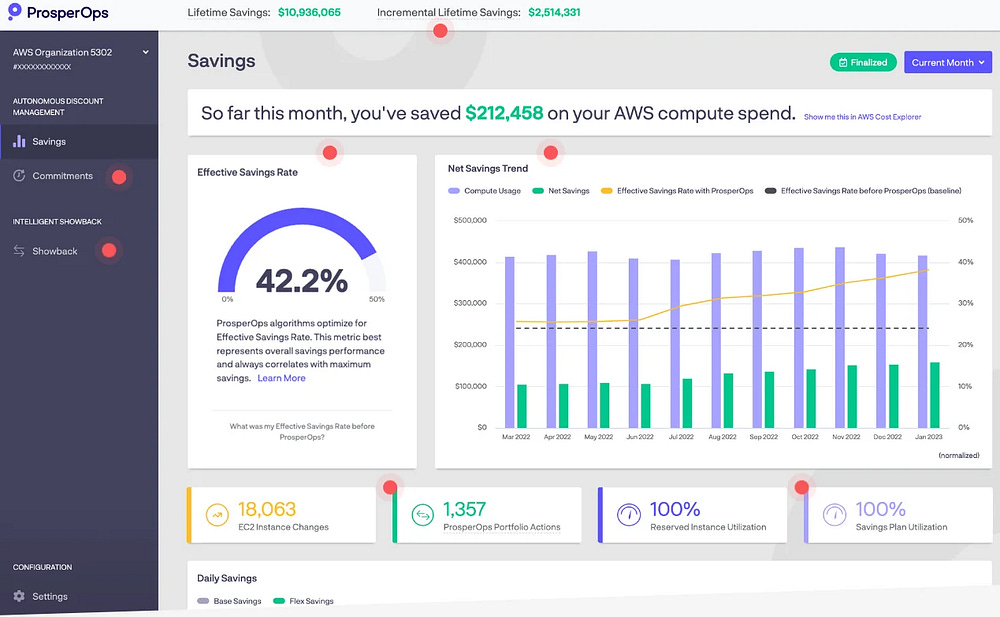
Optimize your Amazon EC2 and RDS instances with rightsizing recommendations tailored to your workload needs.
Enhance EC2 instance and Auto Scaling group suggestions by using historical data and third-party metrics from APM tools.
Identify EC2, Auto Scaling, and RDS workloads that offer high returns with minimal migration to AWS Graviton CPUs.
Discover applications like Microsoft SQL Server and receive recommendations to reduce licensing costs.
Eliminate unused resources with idle recommendations.
Pricing for AWS Compute Optimizer
There is no additional charge for Compute Optimizer. EC2 instance type and EC2 Auto Scaling group configuration recommendations are available for free. You pay only for the AWS Compute resources needed to run your applications and Amazon CloudWatch monitoring fees.
AWS Compute Optimizer Endpoints and Quotas
To connect programmatically to an AWS service, you need to use an endpoint. AWS services provide several types of endpoints in some or all of the AWS Regions they support, including IPv4 endpoints, dual-stack endpoints, and FIPS endpoints.
Below are the service endpoints and service quotas associated with this service:
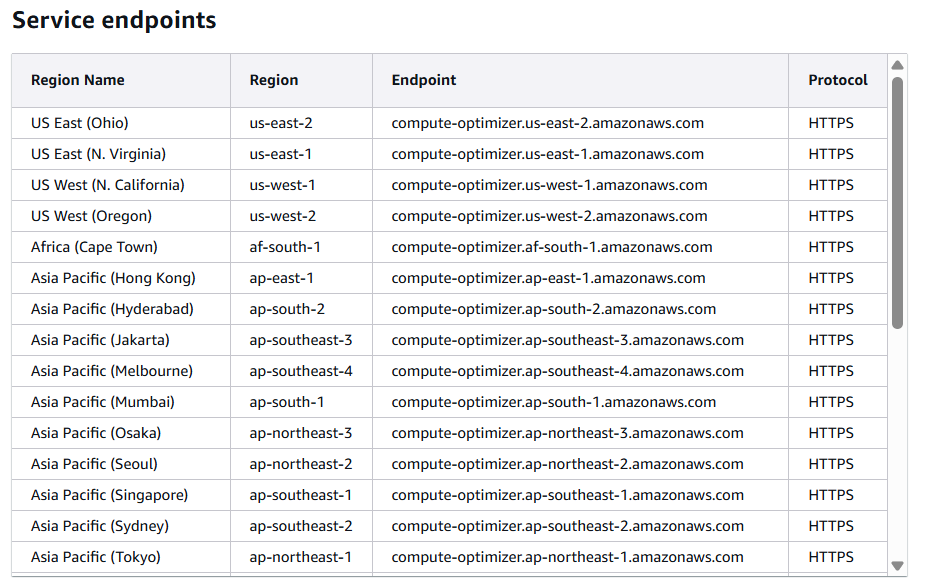
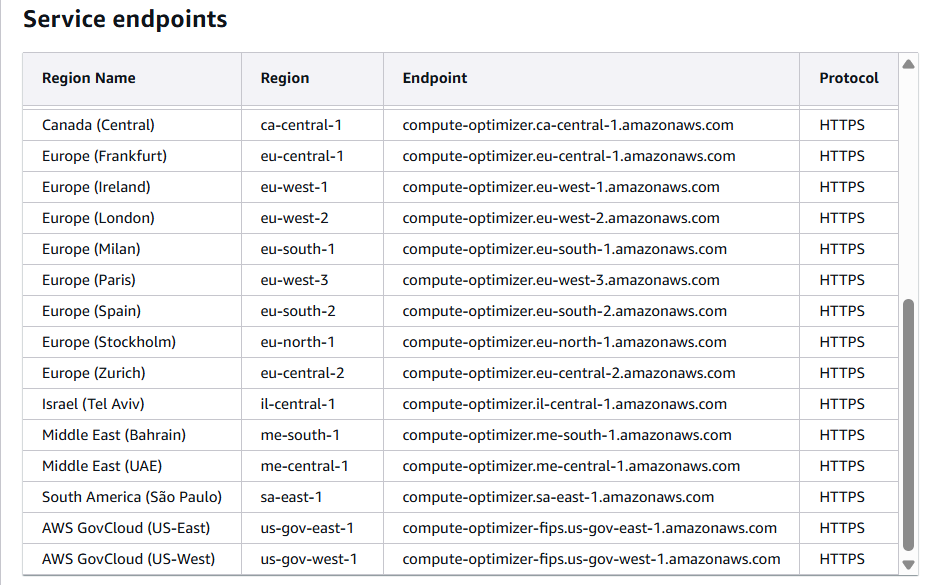
Service quotas, also known as limits, refer to the maximum number of service resources or operations allowed for your AWS account.

Exploring AWS Compute Optimizer
Step 1: Accessing AWS Compute Optimizer in AWS Management Console
Log in to your AWS Management Console
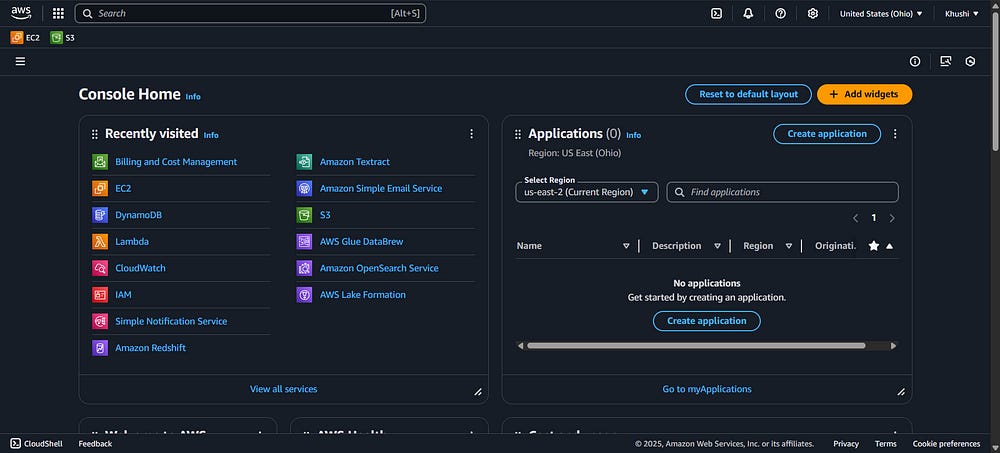
Step 2: Navigate to AWS Compute Optimizer
Search and open Compute Optimizer
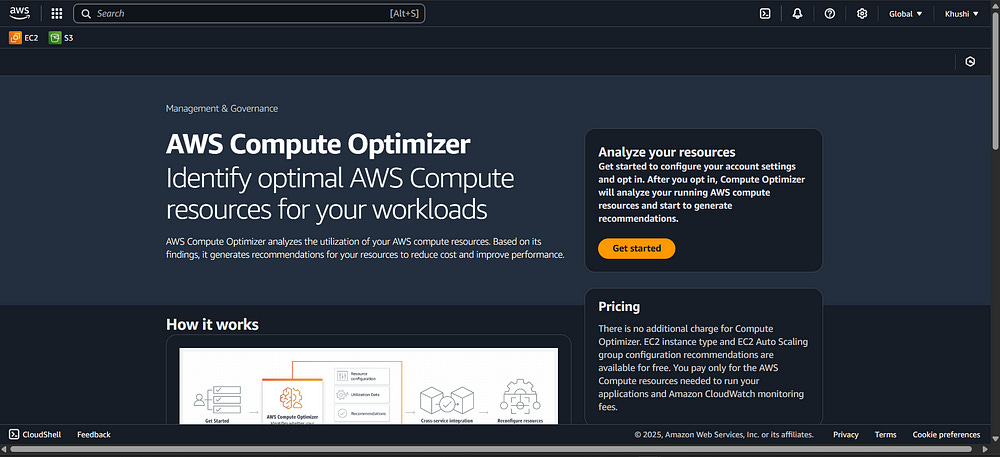
Click on Get Started
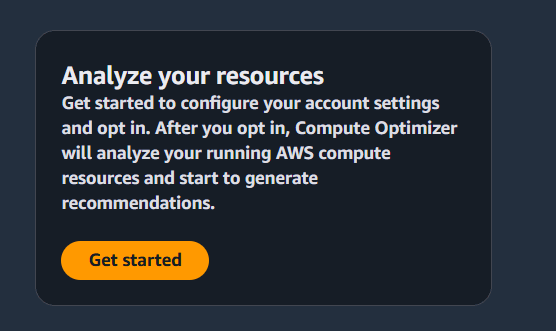
This will bring you to Account Opt in page
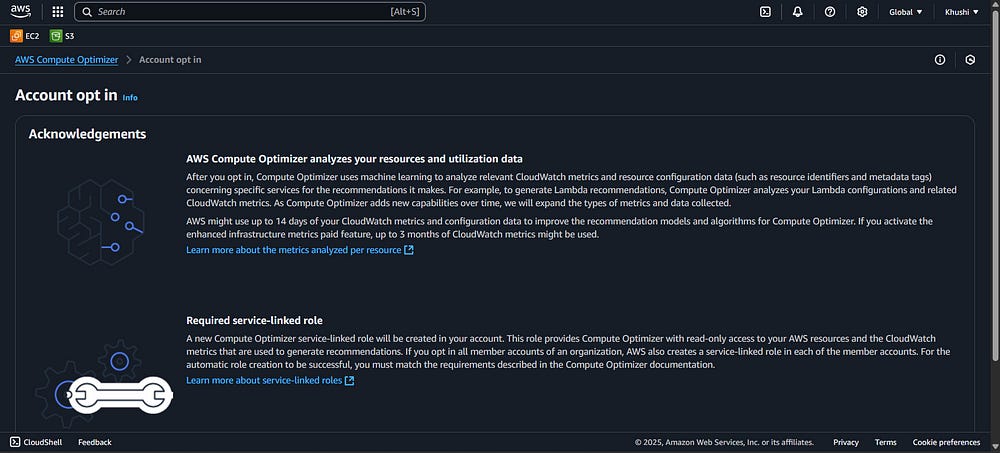
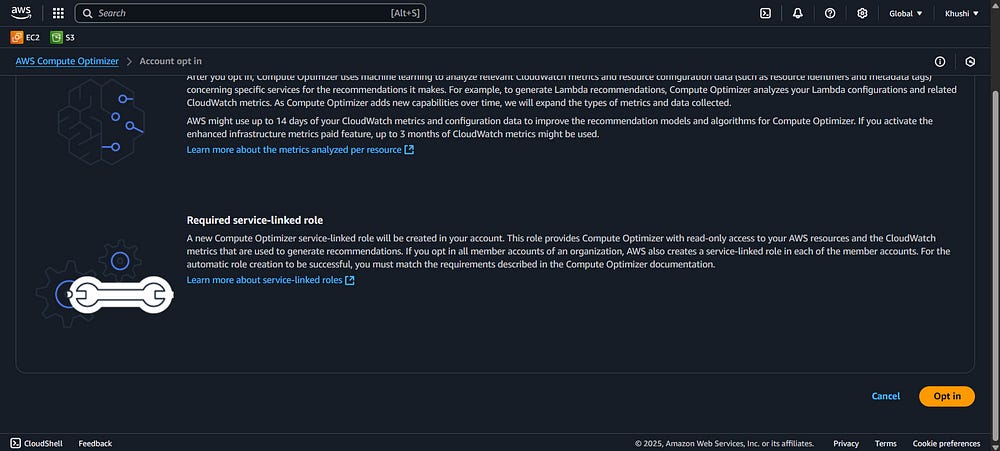
Step 3: Opt-in Your Account
Select that opt-in button
Step 4: Redirected to the Dahboard
You’ll be redirected to the Compute Optimizer Dashboard
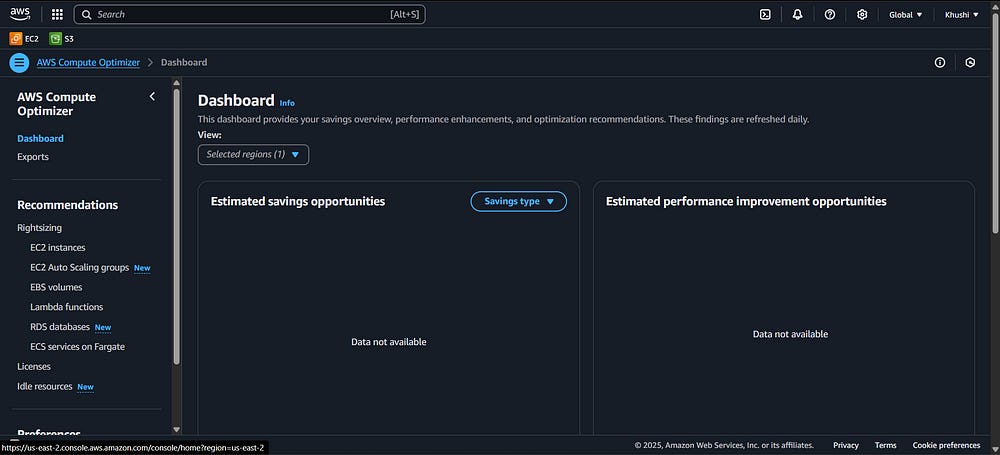
It might look empty like this, that is because AWS Compute Optimizer takes upto 12+ hours to analyze usuage patterns and populate the dashboard with recommendations.
After 12+ hours the dashboard might look something like this!
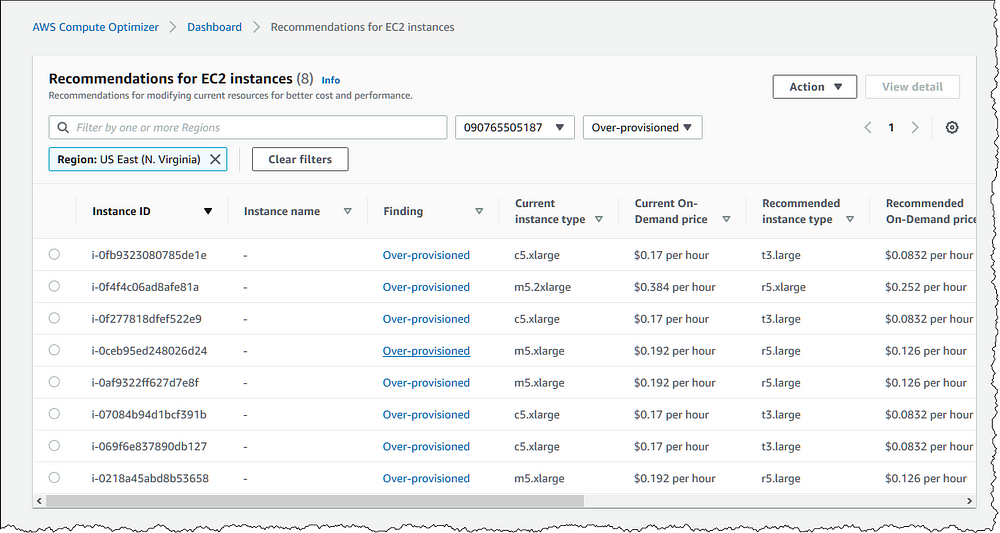
AWS Compute Optimizer helps you optimize your cloud resources more efficiently.
Community Builders, AWS AI Horizons